
A home CLEP test feels less like a normal exam and more like an audit in your own room. The score still matters, but the bigger stress is the webcam, the room scan, and the chance that your internet blips at the worst second. That is the part most people do not picture until test day. The draw is real: no drive, no parking lot, no waiting room, and no test center hours to juggle. The tradeoff is control. You hand it over to a remote proctor, a webcam, and a set of rules that care about your desk, your walls, and even where your eyes go. On paper, the process sounds simple. In practice, it can feel oddly intense. CLEP itself stays the same. Most CLEP exams use 90 minutes and a 20-80 score scale, with 50 as the standard passing mark. That means you still need content knowledge, but you also need a setup that behaves for a full hour and a half. If your laptop gets moody or your house gets noisy, the at-home route can turn into a chess match with your own space. Reality check: Passing at 50 and scoring 80 both get you the same credit, so do not overthink the bragging rights. Focus your energy on the room setup, the login timing, and whether your home can stay quiet for 90 minutes without a surprise interruption.
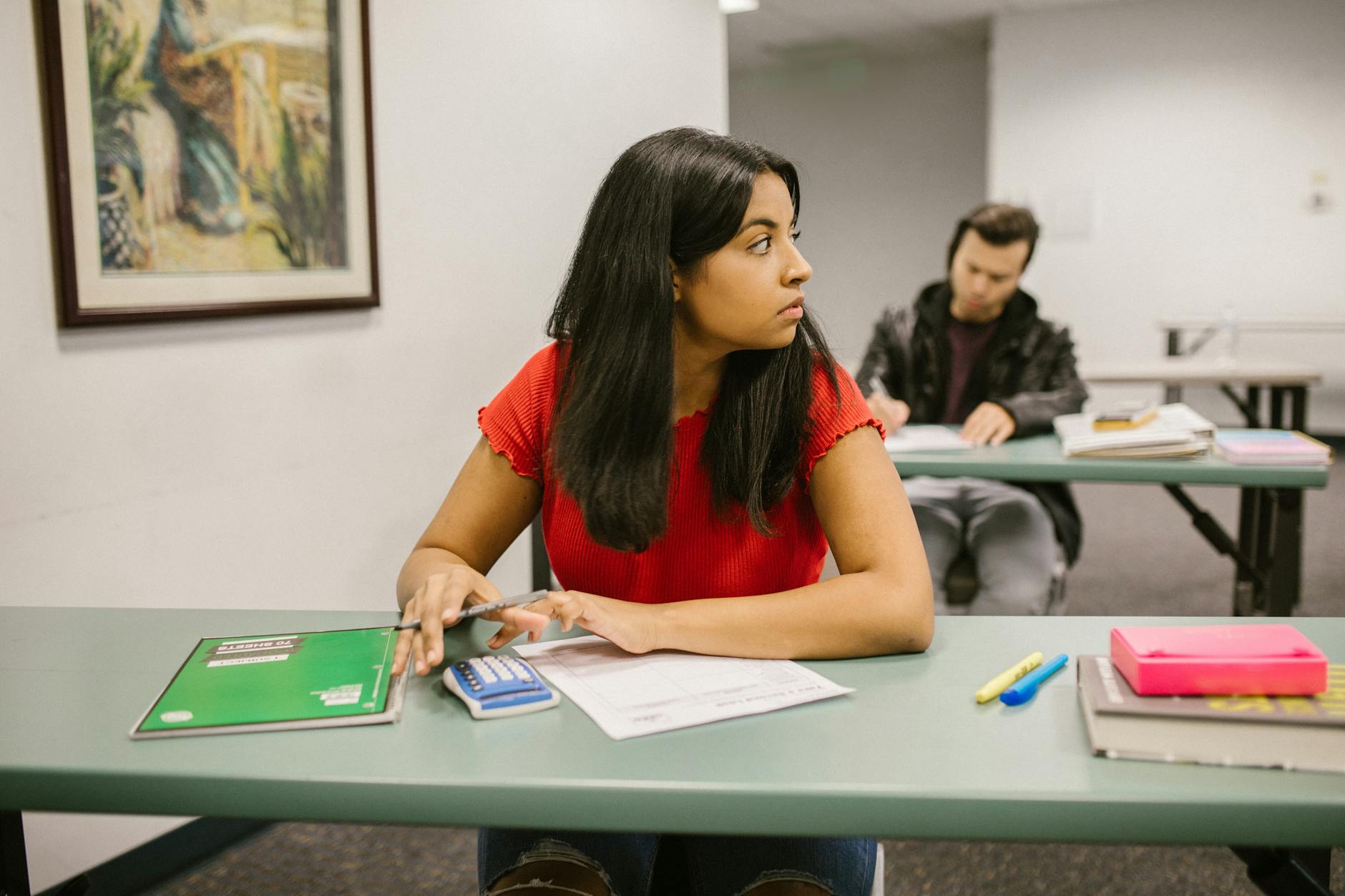
The CLEP At Home Feeling
The online proctored CLEP experience feels like taking a test while someone audits your desk, your face, and your walls. That is not a joke. A 90-minute exam already asks for focus, and the webcam adds a second layer of pressure because every glance, pause, and chair squeak can feel like it matters more than the questions.
The catch: The room can look normal to you and still feel strange under proctor rules. A second monitor, a visible notebook, or headphones sitting on the desk can turn into a problem fast, so clear the space before you even open the exam portal. That kind of scrutiny makes the CLEP at home option feel less like “testing from comfort” and more like “testing under supervision in sweatpants.”
A 35-year-old paramedic studying after night shifts may love the 6 a.m. flexibility, but the same person may hate how much the proctor watches the screen for 90 straight minutes. The home setup removes the commute, yet it adds a weird mental tax: you cannot fidget freely, look off to the side much, or stand up when your leg falls asleep. That tradeoff matters because the exam score and the test-day mood now share the same room.
Most people find the online version more stressful than an in-person test center because the rules feel personal. At a center, the room already looks sterile and the staff expects the weirdness. At home, your kitchen clock, a fan, and a half-closed door can all feel like liabilities, which is a lousy way to start a timed exam that already asks you to prove college-level knowledge.
What You Must Set Up First
Start 1 to 3 days before test day. The software check is not busywork; it is the part that saves you from a dead screen at minute 12.
- Download the proctoring software 1 to 3 days before your exam and run the system check right away. If the check fails, you still have time to fix it instead of losing your slot.
- Confirm your computer meets the basic rules: Windows 10 or newer, or macOS 10.13 or newer. Older systems can trip the process before the test even starts.
- Test your webcam and microphone with the system check, then use the same machine you plan to test on. A borrowed laptop the night before sounds fine until the camera driver acts up.
- Check your internet stability on the same desk where you will test. A fast connection that drops once in 15 minutes can still ruin a 90-minute exam, so do not trust speed alone.
- Remove dual monitors from the setup completely. One screen only. If your workstation uses 2 displays for work, unplug the extra one before launch day.
Worth knowing: The tech check catches more than people expect. A bad mic, an unsupported browser, or a laptop that sleeps after 10 minutes can all become test-day drama, so fix those now instead of gambling on a reset later.
The setup window is short, but the mistake window is long. That is why I like a boring rule: use the same room, same laptop, same charger, and same internet you plan to use on test day.
The Thirty Minutes Before Start
The final half hour matters because it sets the tone for the whole exam. Once the portal opens, every small delay feels louder, and a calm start is worth more than another 5 minutes of last-second studying.
- Log into the proctoring portal 30 minutes before your scheduled start time. If you arrive late, you create stress before the first question even loads.
- Wait for the proctor to connect by video and keep your camera on. The connection step can take a few minutes, and you should not wander off while it loads.
- Hold your government ID up to the camera when asked. The proctor needs a clear photo, so keep the card flat and in frame instead of tilting it around.
- Show the entire room with a 360-degree webcam scan. The proctor wants walls, ceiling, floor, and desk in view, so move slowly and do not skip corners.
- Clear the desk before the scan finishes. No notes, no books, and no visible extra devices should sit within reach while the test starts.
What this means: That 30-minute buffer is not a cushion for studying. Use it to verify the ID, the room, and the camera angle so you do not burn the first 10 minutes fixing a simple problem.
The room scan feels awkward for almost everyone because it turns your bedroom into a checkpoint. That awkwardness does fade once the exam starts, but the first impression sticks, which is why a clean desk and a clear path around the chair help more than any last-minute flashcards.
The Complete Resource for Online Proctored CLEP
TransferCredit.org has a full resource page built for online proctored clep — covering CLEP/DSST prep with chapter quizzes and video lessons, plus the ACE/NCCRS-approved backup course if you do not pass the exam. $29/month covers both, and credits transfer to partner colleges.
See CLEP Membership →What Proctors Watch During CLEP
Once the test starts, the proctor stays with you through webcam monitoring for the full session. That can sound harmless on paper, but 90 minutes of being watched changes how people sit, blink, and think.
- The proctor watches your webcam feed continuously during the exam. Keep your face in frame and stay where the camera can see you clearly.
- You cannot leave your seat without explicit permission. If you need anything, ask first instead of standing up and hoping it gets missed.
- No headphones stay in place unless you have an approved accommodation. If you use them without approval, expect trouble fast.
- No notes or books can sit within view of the desk. Clear the whole surface before you start, not halfway through.
- Looking away from the screen too often can trigger a suspicious behavior flag. Read the question, answer it, and avoid scanning the room like you forgot something.
- Avoid any second monitor, even if it stays off. A visible extra screen can end the session before you get far.
Bottom line: The rules are stricter than most people expect because the proctor has to protect the exam’s security. If you need to shift, stretch, or reach for water, ask first and do not guess.
The feeling here is not subtle. A tiny habit like staring at the ceiling while you think can look odd on camera, and that is a bad fit for a test that already wants your full attention.
When The Tech Breaks Mid-Test
Frozen screens and audio cutouts happen sometimes. Not often enough to make the system useless, but often enough that you should expect one weird moment in a long session. When that happens, the proctor can reset the test, and you may lose a few minutes while the connection comes back. That time loss matters because a 90-minute clock does not feel generous once you have already spent 12 minutes on one stubborn question.
A community-college transfer student timing CLEP around a fall registration deadline has a very different kind of stress here. One reset can throw off the whole morning, and if the test center closes at 5 p.m. or the portal takes 8 minutes to reconnect, the pressure spikes fast. That student does not need perfect conditions; they need a backup plan and a calm house, because a loud hallway or a weak router can turn a simple delay into a full panic spiral.
Reality check: The biggest problem is not that tech fails every time. The bigger problem is that you cannot predict when it will fail, and that uncertainty hangs over the whole exam like a low ceiling. Even a smooth session can feel tense because you know a glitch could cost you 3 minutes, 7 minutes, or more, and you cannot control that once the clock starts.
Bathroom breaks are the brutal part. You cannot just step out without risking the test, so plan around that before you begin. Drink water early, use the restroom before check-in, and treat the test like a 90-minute flight with no aisle walk.
Who Should Choose Online CLEP
Online proctored CLEP makes sense for people with real logistics problems: long drives, work shifts, childcare, limited transportation, or a home office that already has one quiet screen and a stable connection. If you can protect 90 minutes at home and you do not mind being watched on camera, the remote route can save a lot of hassle. If your internet cuts out once a week or your house stays noisy after 7 p.m., the online option asks for more than it gives.
A homeschool senior taking 3 CLEPs in one summer might like the at-home setup because it cuts travel and keeps the schedule tight, but that same student still needs a room that stays quiet for several hours across multiple test days. The math matters: 3 exams mean 3 separate check-ins, 3 room scans, and 3 chances for something small to go sideways. That is the kind of schedule that rewards discipline, not optimism.
Most people should still pick in-person testing. I say that because the center strips out the weirdest parts: no webcam stare, no room scan, no fear that a laptop update will appear at minute 5. If you want fewer moving parts and less stress, the test center usually wins. Choose online when the commute hurts more than the surveillance. Choose in person when you want the cleanest shot at a calm test day.
How TransferCredit.org Fits
Frequently Asked Questions about Online Proctored CLEP
You can lose your test slot, and the proctor can stop the exam if your computer, ID, or room setup doesn't match the rules. CLEP at home asks for a supported Windows 10+ or macOS 10.13+ computer, a webcam, a microphone, stable internet, and no dual monitors.
Yes, but only if your computer passes the system check and your room stays clear. Download the proctoring software 1 to 3 days before test day, then check the webcam, microphone, and internet speed so you don't waste the 30-minute check-in window.
This works for you if you have a quiet room, one screen, and no problem sitting still under a webcam for the full test; it doesn't fit you if you need bathroom breaks, a shared space, or a setup with two monitors. Most people feel more stress at home than in a test center.
The biggest mistake is thinking the proctor only checks you at the start. The CLEP remote proctor watches you through the webcam the whole time, and looking away too much, talking, or reaching off-screen can trigger a suspicious-behavior flag.
30 minutes early is the number that matters. Log into the proctoring portal at that point, not 5 minutes before, because the proctor still has to verify your ID, scan the room, and get you into the exam without eating your test time.
Start by clearing your desk and shutting down every second monitor before you open the proctoring portal. Then have your ID ready, because the proctor will ask you to hold it up to the camera and do a 360-degree room scan that shows the walls, ceiling, floor, and desk.
Most students try to act relaxed and keep moving, but the better move is to sit still, keep your eyes on the screen, and ask permission before you do anything. The proctor can flag extra movement fast, and you can't leave your seat on your own.
The part that shocks most students is how fast a small tech glitch can eat time. A frozen screen or audio cutout can force the proctor to reset the session, and you can lose a few minutes even when it's not your fault.
Your exam can get delayed or stopped if the proctor can't see a clear 360-degree scan of the room. Show the walls, ceiling, floor, desk, and any items near you, and don't leave notes, books, headphones, or a second monitor in view.
No, not without risking the test. If you leave your seat without explicit permission, the proctor can treat it as a violation, so use the bathroom before you start and plan to stay seated for the full exam window.
This applies to you if you're stuck at home, live far from a test center, or need the schedule flexibility of a home CLEP test; it doesn't fit you if you're uneasy with constant webcam monitoring. If in-person works, that's usually the calmer choice.
The wrong assumption is that once the system check passes, nothing can go wrong. A good setup still needs a supported Windows 10+ or macOS 10.13+ computer, a working webcam, and stable internet, because the proctor can reset a failed connection mid-test.
1 to 3 days before your exam is the safe window. Install it early, run the system check right away, and fix any webcam, microphone, or browser issue before test day, because last-minute problems can wreck your 30-minute check-in.
Final Thoughts on Online Proctored CLEP
The at-home CLEP option works best when your room acts like a test center for 90 minutes. That means one screen, a steady connection, a quiet door, and no temptation to treat the setup like a casual study session. The test itself already asks enough of you. The part people underestimate is not the content. It is the friction. A webcam, a room scan, a strict seat rule, and the possibility of a frozen screen all stack up fast, and each one adds a little more tension than a center test usually does. That is why the online route feels heavier than it looks on a brochure. Pick CLEP at home if travel, work hours, or life at home make a test center hard to reach, and if you can stay calm while being watched. Pick in-person if you want the fewest moving parts and the least mental noise. A 90-minute exam already asks enough without adding a surveillance vibe to the mix. Set your room up early, check your machine, and decide now whether your house can handle the pressure. If the answer feels shaky, book the center and give yourself the cleaner shot.
How CLEP credits actually work
Ready to Earn College Credit?
CLEP & DSST prep + ACE/NCCRS backup courses · Self-paced · $29/month covers everything