
Passing a DSST exam does not make the credit appear at Columbia Southern University by magic. You still need the right transcript, the right course match, and CSU’s review before anything posts to your record. That catches a lot of people off guard. The biggest mistake is treating a score report like a finished transfer. CSU looks at the exam, the course name, and your degree plan, so a passed DSST in the wrong subject can sit there with no useful result. A 50 on the DSST scale does the job if CSU accepts that exam for your program, and the score itself does not change the credit award. That means you should aim at the exact exam CSU lists for your major, not the one that just sounds close. A community-college transfer student trying to clear a fall registration hold faces a different problem than a 35-year-old shift worker squeezing study time between weekends. Both need the same thing: an official score report sent to CSU and a clean match to the catalog. The rest is paperwork discipline. Small stuff matters here. One wrong student ID, one old address, one unofficial screenshot, and the review can stall for days or weeks.
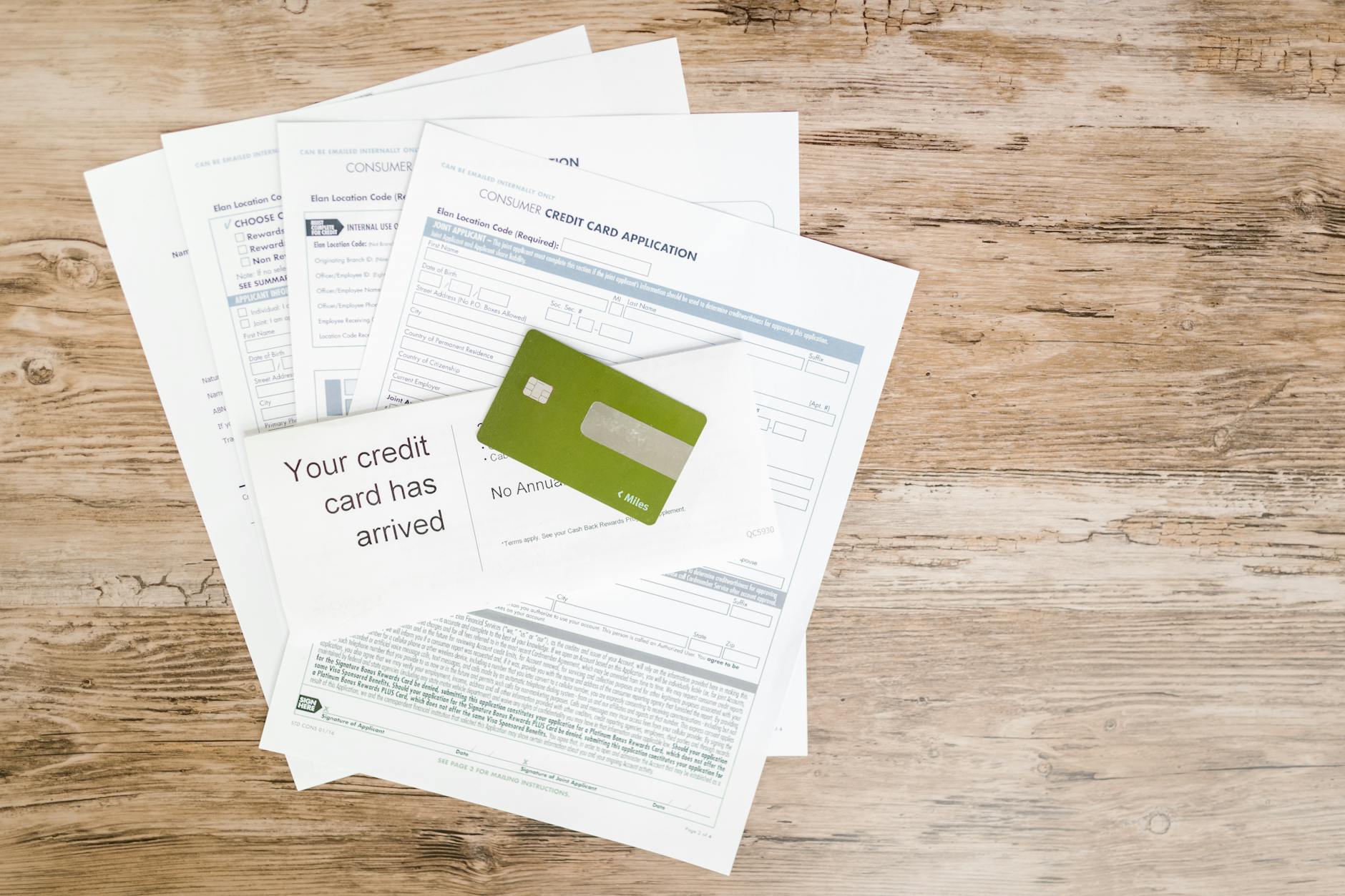
What Columbia Southern Really Accepts
Columbia Southern University does not post DSST credit just because you passed a DSST exam. CSU checks three things: the official score report, the exact exam title, and whether that exam fits your degree plan under CSU’s transfer policy.
The catch: A passed DSST only helps if CSU has a matching course slot for it. That matters because a 3-credit exam can still miss the mark if your program only accepts a different subject or a specific catalog version. Read the course list before you test, then pick the exam that maps cleanly to a CSU requirement.
Most students miss the real issue: the school does not care that you earned credit somewhere else unless the transcript arrives in the right form. Unofficial screenshots, a PDF from your phone, or a note from a testing center usually do not move the file. The registrar needs an official score source, and the evaluation team needs a catalog match they can defend.
A 35-year-old paramedic working 12-hour shifts has 4 or 5 hours a week for school work, not 20. That person should not stack random DSST exams in hopes of “making them useful later.” Start with the CSU program requirements, pick 1 exam that fills a clear slot, and send the score the same week you finish testing.
That slower, careful approach feels boring. It also saves the most time. If an exam costs around $93 plus a test-center fee, the smart move is to protect the attempt by matching it to CSU before test day, not after the score lands.

Earn DSST Credit the Smart Way
DSST credit starts before test day. Pick the right exam, make sure CSU accepts that subject for your degree, and choose a testing path that gives you an official score report without delay.
- Check CSU’s degree plan first and match it to a DSST subject that fills a real requirement, not a vague elective.
- Choose an approved test center or online setup before you study, since some locations need 1-2 weeks for appointment slots.
- Confirm the exam format, price, and passing score on the official DSST page; most DSST exams run 90 minutes, so build your practice around that clock.
- If you qualify for military funding, ask about DANTES support before you pay out of pocket. Eligible service members can often use DANTES to cover the exam fee, which changes the whole budget picture.
- Study for the exact exam you booked, then keep your candidate ID, appointment time, and test date in one place for the transcript step later.
Reality check: Passing first and sorting the paperwork later sounds efficient. It usually creates the mess. A student who books DSST Business Law on Tuesday and waits until Friday to check CSU’s transfer table can end up with a credit that lands as free elective instead of degree credit. That is not a win.
If you are using military funding, do the funding check before you schedule the exam, not after. DANTES support can erase the test fee for eligible military students, but you still need the correct exam and an official score path. If you want a CSU-specific prep page while you line up the exam, use the CSU transfer guide as a planning tool, not a shortcut around the policy.
Request the Right DSST Transcript
The transcript step sounds dull, but this is where a lot of transfers bog down. CSU wants an official record from the DSST issuing side, not a photo, not a screenshot, and not your memory of the score.
- Log in to the official DSST score or transcript request system and order an official transcript to be sent to Columbia Southern University.
- Use your legal name exactly as it appears on your CSU account, because a name mismatch can slow the file for 3-10 business days.
- Verify the exam title, test date, and score before you send anything; DSST scores use a 20-80 scale, and CSU needs the exact exam listed.
- Keep the order confirmation and shipping or electronic receipt until CSU posts the credit, since that proof helps if the file gets stuck.
A paper copy in your drawer does nothing. An unofficial score screen does almost nothing. The school needs the official version because that gives the registrar a record they can attach to your student file and defend during evaluation.
Worth knowing: One missing middle initial can slow the whole process. That sounds petty, and it is petty, but registrars live on petty details. If your DSST transcript shows “J. A. Smith” and CSU lists “John Andrew Smith,” fix the mismatch before you blame the evaluation team.
If you took more than 1 DSST exam, check the order carefully before you submit. A transcript with 2 scores and one bad exam title can still trigger a hold, and then you spend another 1-2 weeks untangling a problem that started with a tiny typo.
The Complete Resource for DSST Transfer
TransferCredit.org has a full resource page built for dsst transfer — covering CLEP/DSST prep with chapter quizzes and video lessons, plus the ACE/NCCRS-approved backup course if you do not pass the exam. $29/month covers both, and credits transfer to partner colleges.
Explore CSU DSST Guide →Send It to CSU Without Delays
Columbia Southern University can only evaluate what reaches the right office in the right format, so your job here is less about “sending” and more about matching. A clean submission keeps the review moving; a sloppy one can sit for 5-15 business days while someone sorts out the student record, especially if your name, birth date, or student ID does not line up.
If CSU gives you a specific transfer submission form or student portal route, use that path first and keep a copy of every confirmation screen. If you can upload inside the student portal, do that before mailing anything. If CSU asks for an external transcript send, follow the exact address or electronic receiver they list, not the one from a forum post.
- Match the transcript name to your CSU account exactly.
- Use your student ID if CSU gives you one.
- Check that the DSST exam title matches the CSU course code.
- Save the upload confirmation or delivery receipt for at least 30 days.
- Call or message CSU if the transcript sits longer than 2 weeks.
Bottom line: The registrar can only post what the system can match. If you moved, married, or changed your name in the last 12 months, fix that record before the transcript lands. That one step prevents the dumbest delay in the whole process.
If CSU shows a transfer form name inside your portal, use it and stop hunting for a better path. A direct submission beats a guess every time.
What CSU Does After Submission
After CSU receives the official DSST transcript, a transfer evaluator checks the exam title, score, and course fit against your current catalog. That review usually takes several business days, and a clean file can move faster than a messy one with missing details.
The evaluator does not just ask, “Did you pass?” They ask, “Does this exam match a course in this degree plan, and does the score meet CSU’s threshold?” If your exam fits a 3-credit slot, the credit usually posts as transfer credit or elective credit based on the catalog rules. That means you should compare the evaluation against the exact degree audit, not against a friend’s result from a different major.
A community-college transfer student trying to register for a fall term can feel the clock hard here. If the student sends the transcript 10 days before registration closes, the credit may still post in time; if the transcript lands 2 days before the deadline, the student should expect a crunch and plan backup classes.
Reality check: Most students assume the school “lost” the credit when they really sent the wrong exam or missed the matching course code. That is a paperwork problem, not a policy problem. If the review returns a different result than you expected, compare the catalog line by line before you escalate.
Fix Missing DSST Credits Fast
If the credit does not post correctly, start with CSU’s registrar or transfer evaluation office and ask for the exact reason the exam did not apply. Keep your DSST transcript receipt, your score confirmation, and the catalog page that shows the course you expected to replace.
A 2-page paper trail beats a vague complaint every time. If the evaluation shows the exam as elective credit instead of major credit, compare the course title, number of credits, and catalog year before you ask for a second look. If the course changed in the 2024-2025 catalog, that detail may explain the mismatch.
A student who took 3 DSST exams in one summer and saw only 2 post should not panic. Check the official transcript first, then ask CSU to confirm whether the missing exam arrived and whether the degree plan accepts it. If the answer still looks wrong after that, escalate with dates, receipts, and the exact course code.
Use this CSU-specific prep page to line up the right exam before the next attempt, and keep the transfer guide handy while you study. If you want a structured plan with a pass-or-free guarantee, the CSU prep path gives you a cleaner shot than guessing on your own.

How TransferCredit.org Fits
Frequently Asked Questions about DSST Transfer
Start by making sure you’ve earned a passing DSST score and kept your test info handy, then ask Prometric for an official DSST transcript. Columbia Southern University can’t post credits from a screenshot or score report you download yourself.
No, and that’s the most common wrong assumption students make. You need an official transcript sent from the DSST provider, not a copy you email from your phone, because registrars want a verified record with the exam name, score, and test date.
Your credits usually sit in limbo, and CSU won’t post them until the right transcript arrives. That can delay your evaluation by days or weeks, especially if you send an unofficial score report instead of the official DSST transcript.
Plan on 2 to 4 weeks for most credit evaluations after CSU receives the official transcript, though slower terms can take longer. If you’re using military tuition help or a tight graduation deadline, send the transcript early and check your student portal for posted credit.
Yes, you submit the official transcript to CSU’s registrar for evaluation, and they match the DSST exam to the correct course or elective credit. If CSU lists a specific transfer form or portal in your student account, use that exact route and keep the confirmation page.
Most students wait until after the exam to check transfer rules, but the better move is to verify course fit before testing. That matters because a 400-level DSST may bring in elective credit at one school and a direct course match at another.
DANTES funding usually applies to eligible military students, including active duty and often some reserve or National Guard members, but it doesn’t cover every civilian test-taker. Ask your education office before you test, because DANTES rules and funding windows can change by service branch.
The surprise is that passing the DSST doesn’t mean the right CSU course will show up automatically. CSU looks at the exam title, the credit level, and its own catalog, so a pass can land as elective credit if it doesn’t match a course code cleanly.
Start by checking your degree audit and the transcript receipt date, then contact CSU’s registrar with the exam name, score date, and a copy of the official transcript order confirmation. If the wrong class posted, ask for a manual recheck before you register for the next term.
No, that’s the most common wrong assumption students have. The exam has to line up with CSU’s transfer rules, so the same DSST can post as a course at one school and as free elective credit at CSU, which is why TransferCredit.org helps with a structured study plan and a pass-or-free guarantee.
Final Thoughts on DSST Transfer
The cleanest DSST transfer to Columbia Southern University starts before you test. Match the exam to the degree plan, order an official transcript right away, and keep every confirmation until the credit posts. That sounds fussy, but fussy wins here. Most transfer headaches come from small mismatches: the wrong course code, an old student name, or a transcript sent to the wrong office. A 90-minute exam can turn into a 2-week delay if you skip those details. If you fix the paperwork early, CSU can move the evaluation without much drama. Military students have one more layer to check. DANTES funding can cover the exam for eligible service members, but the funding does not replace the transcript or the CSU review. You still need the official score record and the right course match. If you do those steps in order, the process stays boring. That is good. Boring transfer work usually means the credit shows up where it should, and you can move on to the next requirement with less hassle. Start with the course match, then work backward from the transcript, and keep your next exam tied to a real CSU slot instead of a hopeful guess.
What it looks like, in order
Ready to Earn College Credit?
CLEP & DSST prep + ACE/NCCRS backup courses · Self-paced · $29/month covers everything